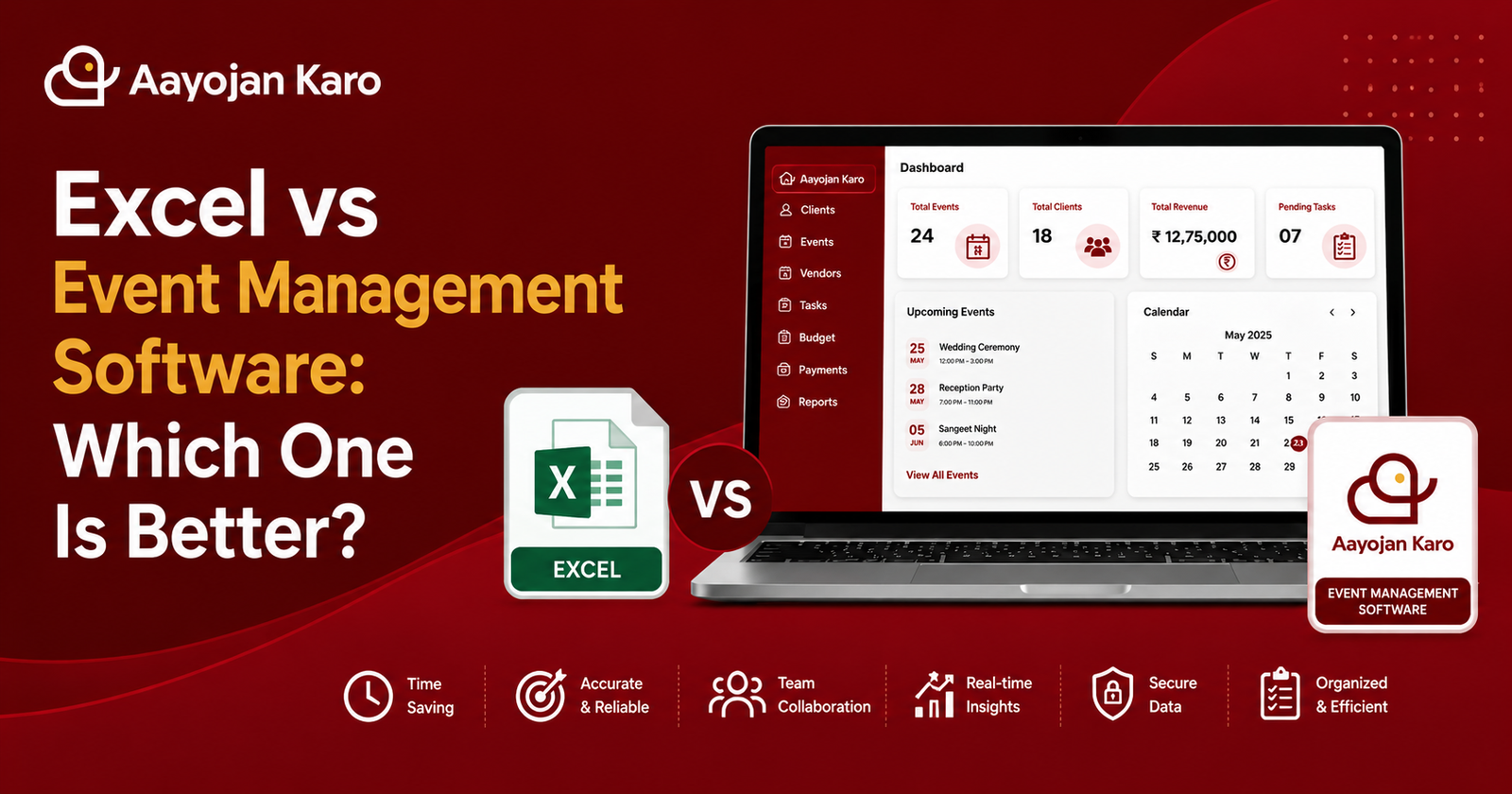
Many event businesses start by managing their work in Excel spreadsheets. While Excel is useful for organizing basic information, it becomes difficult to manage as your business grows. Handling multiple events, clients, vendors, budgets, and team members through spreadsheets can lead to confusion and missed deadlines.
Event management software provides a centralized platform that helps streamline every aspect of event planning. Let’s compare Excel and event management software to see which is the better choice for your business.
Excel Limitations
Excel is a great tool for storing data, but it isn’t built specifically for event management.
Common limitations include:
- Multiple spreadsheets for different events
- Difficult to track client communication
- No centralized vendor management
- Manual budget calculations
- Limited task tracking
- Time-consuming updates
As the number of events increases, managing everything in Excel becomes more challenging.
Human Errors
Manual data entry often leads to mistakes.
Common errors include:
- Incorrect budget calculations
- Duplicate client records
- Missed deadlines
- Lost event information
- Outdated spreadsheets
Event management software reduces these risks by keeping all information organized in one system.
Better Team Collaboration
Working with a team in Excel can be difficult because multiple people may edit different versions of the same file.
With event management software, your team can:
- Access the latest event information
- Assign tasks
- Track progress
- Share updates
- Work together from one platform
This improves communication and reduces confusion.
Real-Time Updates
Excel files often need to be shared manually, making it difficult to know which version is the latest.
Event management software provides real-time updates, ensuring every team member has access to the most current information.
Whether you’re updating budgets, schedules, or vendor details, changes are visible instantly.
Automation Saves Time
Excel requires manual updates for almost everything.
Event management software automates many daily tasks, including:
- Task assignments
- Budget tracking
- Payment management
- Event scheduling
- Client records
- Vendor management
Automation helps reduce manual work and improves productivity.
Why Choose AayojanKaro?
AayojanKaro is an all-in-one event management software designed for wedding planners, event organizers, decorators, caterers, and event management companies.
With AayojanKaro, you can:
- Manage clients and leads
- Organize multiple events
- Track budgets and payments
- Coordinate vendors
- Assign tasks
- Monitor event progress
- Generate reports
- Collaborate with your team
Everything you need is available in one easy-to-use platform.
Conclusion
Excel may work for small projects, but as your event business grows, managing everything manually becomes inefficient.
By switching to event management software, you can save time, reduce errors, improve collaboration, and deliver better events.
If you’re ready to streamline your operations, AayojanKaro provides the tools you need to manage every event with confidence.
post-608
Excel works for basic event planning, but it becomes difficult to manage multiple events, clients, vendors, and budgets. Event management software offers better organization, automation, and collaboration.